
For warehouse and cross-dock operators
Warehouse
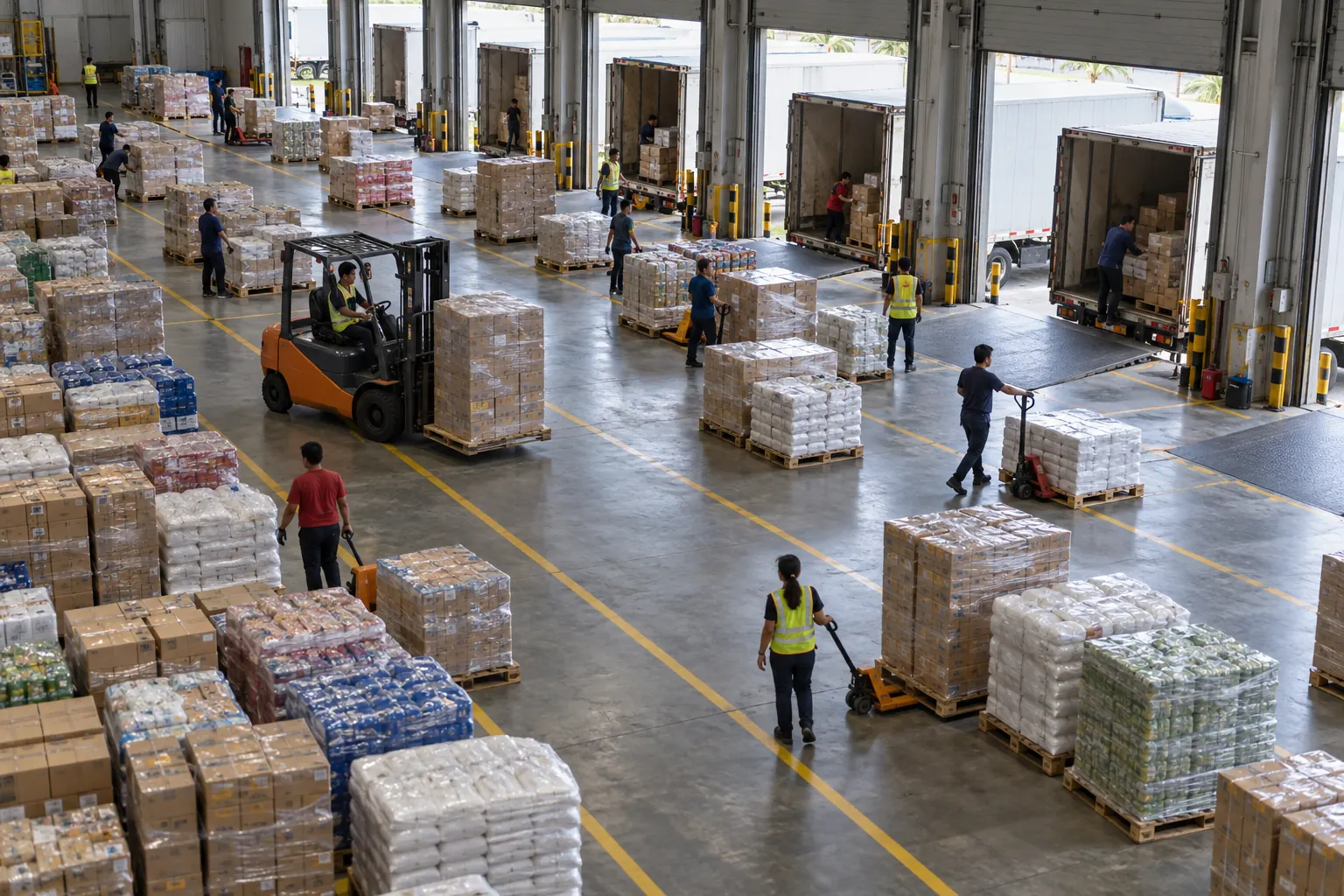
Give each inbound truck a dock slot before it leaves the origin, and count stock against what it actually delivered.
Dock schedule · Calapan DCTuesday
06:0008:0010:0012:0014:00
D1
SHP-20477 · inbound
D2
JOB-8820
D3
Cross-dockSHP-20490 · outbound
D4
Reefer · 4 pallets
SHP-20477 arriving at D1, 12 pallets to put away
How a job moves through Warehouse
- 01
Publish dock capacity
Doors, hours, and how long each truck type takes to load or unload.
- 02
Book slots
Inbound shipments get a slot before they leave the origin. The slot moves when the ETA moves.
- 03
Receive and count
Count against the shipment record at the door, and move cross-dock pallets straight to the outbound truck.
- Dock appointments that move with the live ETA
- Receiving counted against the ePOD, with variances recorded
- Cross-dock transfers without re-keying the shipment
Questions about Warehouse
- How do dock appointments work?
- Each inbound booking asks for a slot at your site. You confirm it, or it confirms itself when your site allows that and a fitting dock is free. The slot follows the truck's live ETA.
- What happens when a truck runs late?
- When the ETA moves more than 30 minutes outside the slot, the appointment is flagged and the next fitting slot is proposed to you.
- Can we count stock against what was delivered?
- Yes. Each line is counted at the door against the shipment and its ePOD, and any difference is recorded with a reason.
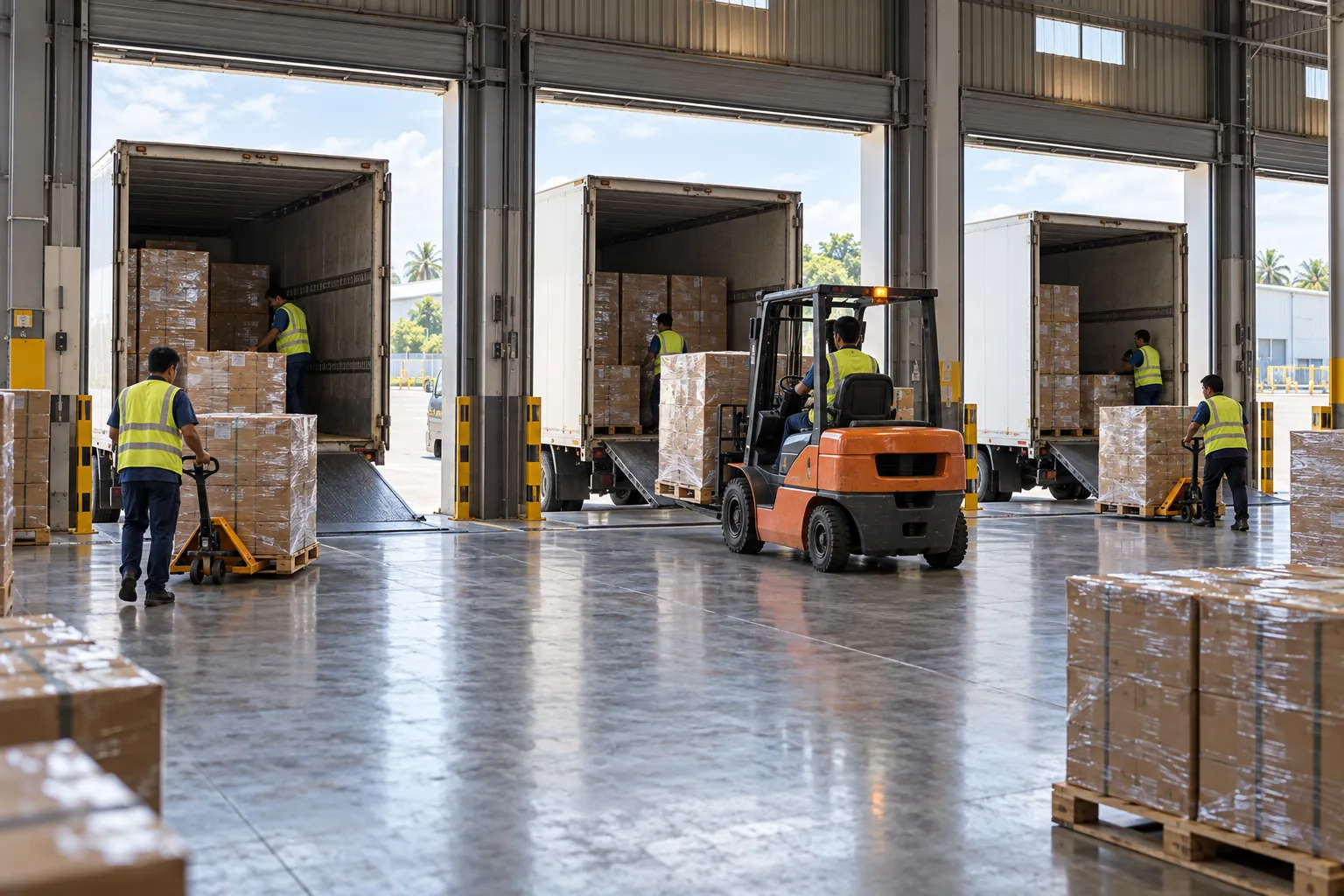
Send us a week of orders and we’ll plan it on your rates.
We’ll run it on your fleet plus Truck Connect capacity, then go through the plan with your dispatch team on a call.